Ubuntu Server Data Recovery: RAID, LUKS and Storage

Explore Ubuntu Server data recovery from Linux RAID arrays, encrypted volumes, databases and virtual machine storage after deletion or failure.

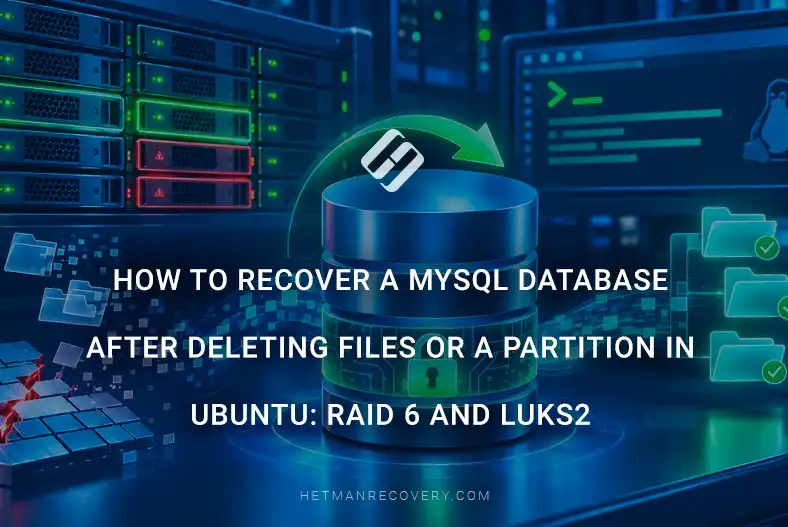
How to Recover a MySQL Database After Deleting Files or a Partition in Ubuntu: RAID 6 and LUKS2

Deleting files or an entire disk partition in Ubuntu can lead to critical data loss, especially if a MySQL database is running on the server. The situation becomes much more complicated when the storage system is built on a RAID 6 array and the data is additionally protected with LUKS2 encryption. In such conditions, standard recovery tools do not always produce the expected result, and careless actions may permanently destroy the information. In this article, we will review possible data loss scenarios, the specifics of working with RAID 6 and LUKS2, and the process of recovering a MySQL database after accidental deletion of files or a disk partition.

(more…)

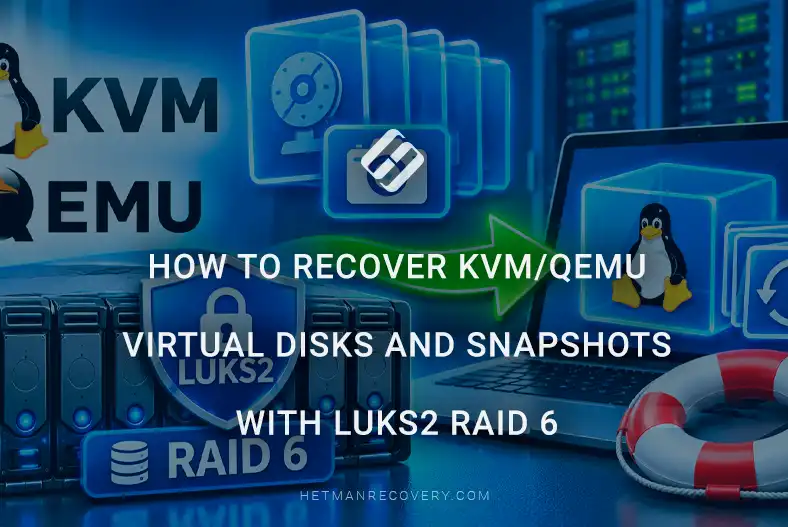
How to Recover KVM/QEMU Virtual Disks and Snapshots with LUKS2 RAID 6

This article examines the recovery of KVM/QEMU virtual disks and snapshots from a storage system built on LUKS2 and RAID 6. The focus is on determining the correct recovery sequence, safely working with physical disk images, reconstructing the RAID array, unlocking the encrypted container, locating QCOW2/RAW images, analyzing the backing chain, and restoring access to virtual machine data without modifying the original media.

(more…)

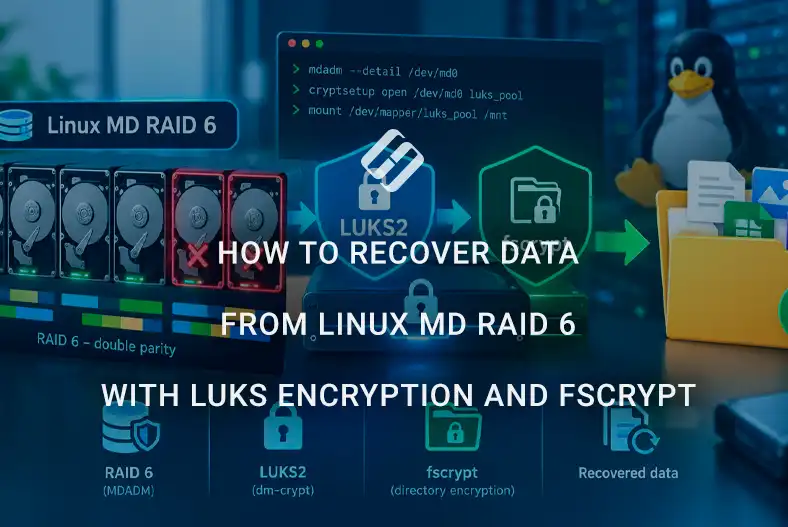
How to recover data from Linux MD RAID 6 with LUKS encryption and fscrypt

Recovering data from Linux MD RAID 6, additionally protected by LUKS and fscrypt encryption, is a complex multi-layer process in which it is important to correctly determine the state of the RAID array, the sequence of disk connection, and the encryption layers. An error at any stage, from incorrectly assembling the array to attempting to mount a damaged file system, can significantly complicate subsequent recovery. This article describes a safe approach to diagnosing and reconstructing RAID 6, opening the LUKS container, and further working with data protected by fscrypt.

(more…)