Hetman Office Recovery™ 5.3 Promotional Materials
Use any materials from this page on your website. Join our affiliate program and earn a 30% commission on every copy of Hetman Office Recovery™ 5.3 you sell.
Links & Descriptions
45 Characters
Recover deleted documents and spreadsheets.
80 Characters
Recover lost Microsoft Office and OpenDocument files from storage devices.
250 Characters
Hetman Office Recovery restores deleted or lost documents and spreadsheets from formatted, damaged, or inaccessible storage. Recover DOC, DOCX, XLS, XLSX, ODT, and ODS files, verify file integrity, and preview recoverable documents before purchase.
450 Characters
Hetman Office Recovery recovers deleted or lost documents and spreadsheets from HDDs, SSDs, USB drives, memory cards, and other storage after deletion, formatting, file system damage, or inaccessible volumes. It supports Microsoft Office and OpenDocument formats including DOC, DOCX, XLS, XLSX, ODT, and ODS. The program verifies file integrity and shows complete recoverable documents. Scan and preview files for free before purchasing a license.
2000 Characters
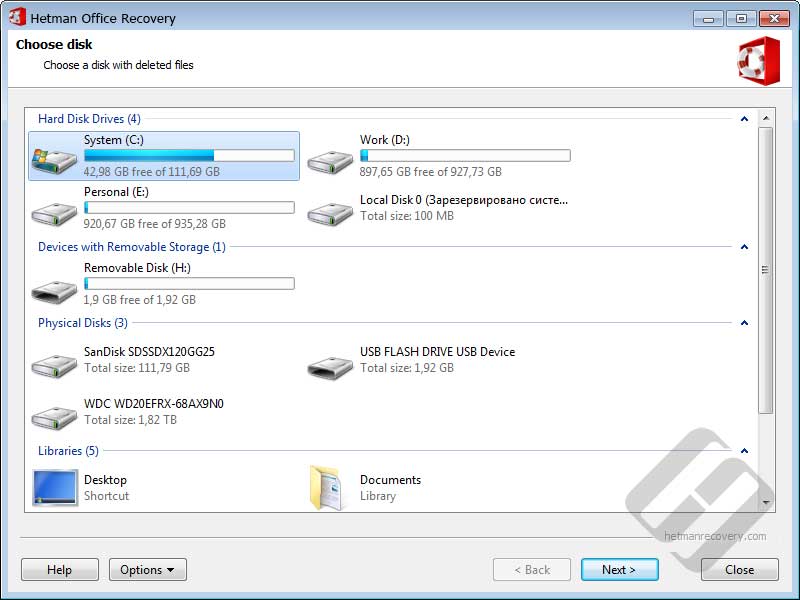
Hetman Office Recovery is a specialized data recovery tool for deleted or lost documents and spreadsheets. It can analyze HDDs, SSDs, USB flash drives, memory cards, and other supported storage when office files disappear after accidental deletion, formatting, partition or file system damage, or when a volume becomes inaccessible.
The program is designed for Microsoft Office and OpenDocument files. Supported document and spreadsheet formats include DOC, DOCX, DOT, XLS, XLSX, ODT, and ODS, making it suitable for files created with Microsoft Word and Excel as well as OpenOffice, LibreOffice, and other applications that use OpenDocument formats.
Office Recovery combines file system analysis with content-aware document recovery. It can search for documents even when normal file system information is damaged or unavailable. Before adding a document to the recovery results, the software verifies its internal structure and integrity, helping filter out corrupted results and display complete files that can actually be recovered.
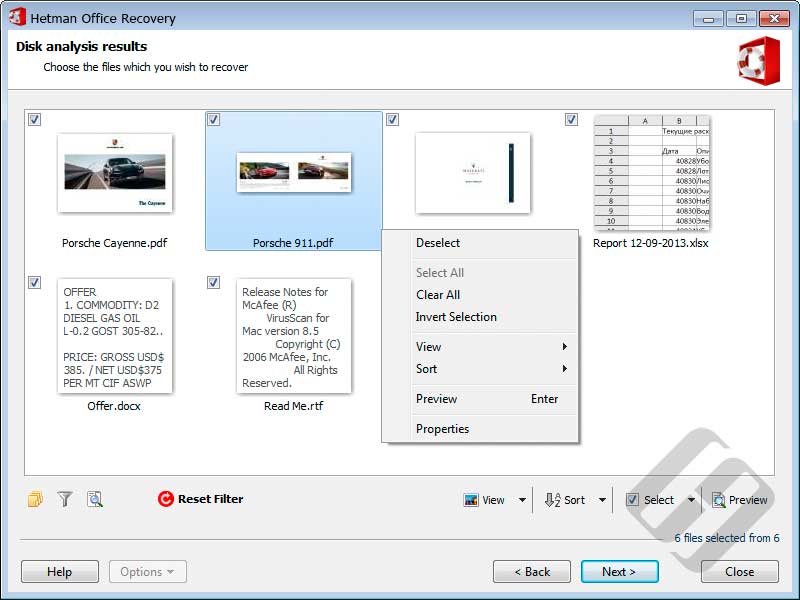
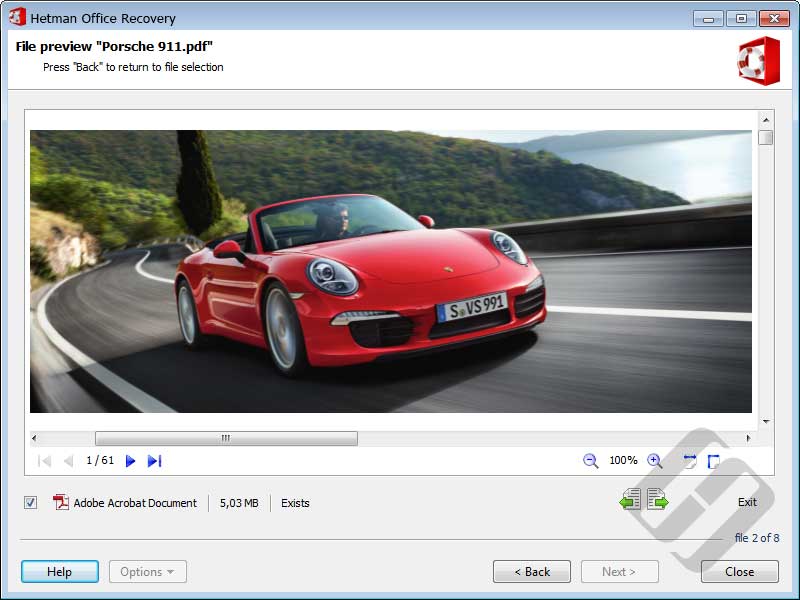
You can download and test Hetman Office Recovery for free. Scan the affected storage, browse the recovery results, and preview supported documents before purchasing a license. Previewing a file lets you check its contents and condition in advance, so you can confirm that the document you need has been found before paying for recovery.
The software is available for Windows, Linux, and macOS. To reduce the risk of overwriting lost data, do not install the program on the affected drive and do not save recovered documents back to the same storage device. Use another disk or destination for recovered files.
Videos
<iframe width="560" height="315" src="https://www.youtube.com/embed/LUkB4QLggOk" frameborder="0" allow="accelerometer; autoplay; encrypted-media; gyroscope; picture-in-picture" allowfullscreen></iframe>
https://www.youtube.com/watch?v=LUkB4QLggOk




-
What kinds of documents can Hetman Office Recovery™ 5.3 recover?
It is designed to recover office documents such as Word, Excel and PowerPoint files and other supported document formats from HDDs, SSDs, USB drives, memory cards and other storage devices.
-
Can I check a document before saving it with Hetman Office Recovery™ 5.3?
Yes. You can scan the storage and preview recoverable documents before purchasing a license, helping you verify the content and condition before saving the recovered copy.