Hetman Photo Recovery™ 7.3 Promotional Materials
Use any materials from this page on your website. Join our affiliate program and earn a 30% commission on every copy of Hetman Photo Recovery™ 7.3 you sell.
Links & Descriptions
45 Characters
Recover deleted photos and RAW images.
80 Characters
Recover photos and RAW images from formatted or damaged storage.
250 Characters
Hetman Photo Recovery restores deleted photos and RAW images from memory cards, cameras, HDDs, SSDs, USB drives, and disk images. Recover after deletion, formatting, file system damage, or inaccessible storage, and preview pictures before purchase.
450 Characters
Hetman Photo Recovery specializes in recovering photos from formatted, damaged, or inaccessible storage. It restores JPEG, PSD, TIFF, PNG and camera RAW formats such as CR2, CRW, NEF, PEF and X3F from memory cards, cameras, HDDs, SSDs, USB drives, and disk images. Use Quick Scan for recently deleted photos or Full Analysis with signature search for formatted or damaged media. Preview recoverable pictures before purchase.
2000 Characters
Hetman Photo Recovery is a specialized data recovery solution for photos, images, and camera RAW files. It can recover pictures after accidental deletion, Shift+Delete, an emptied Recycle Bin, formatting, file system corruption, virus attacks, power failures, and when a memory card, USB drive, or other storage device becomes unreadable or inaccessible.
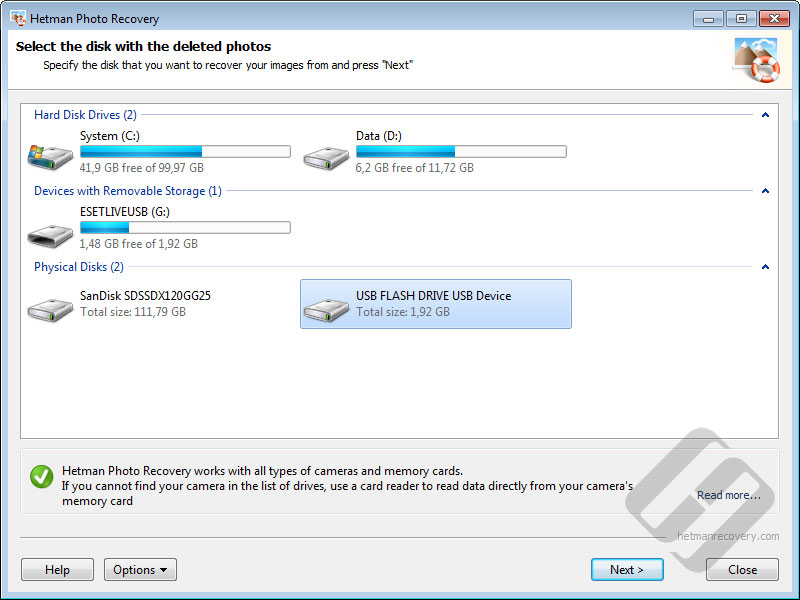
The program works with SD, microSD, SDHC, SDXC, CompactFlash, Memory Stick and other memory cards, as well as digital cameras, HDDs, SSDs, external drives, USB flash drives, disk images, and supported device storage. It runs on Windows, Linux, and macOS and supports FAT/exFAT, NTFS/ReFS, APFS/HFS+, Ext2/3/4, ReiserFS, XFS, and UFS.
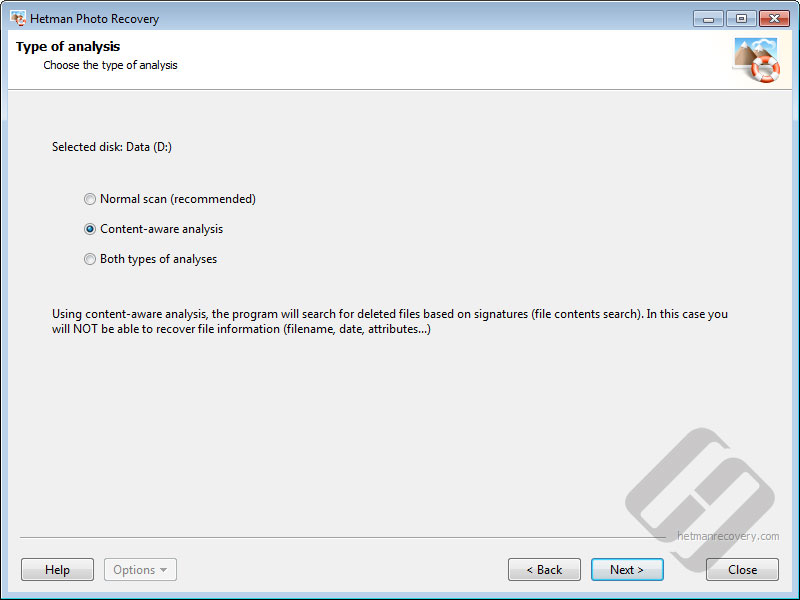
Photo Recovery recognizes JPEG, PSD, TIFF, PNG, BMP, GIF and many camera RAW formats including CR2, CRW, RAW, NEF, PEF and X3F. Quick Scan uses file-system records to restore recently deleted images quickly and can preserve names and locations when metadata is available. Full Analysis reads storage sector by sector and uses content-aware signature search after formatting, severe file-system damage, or when normal file-system records are missing.
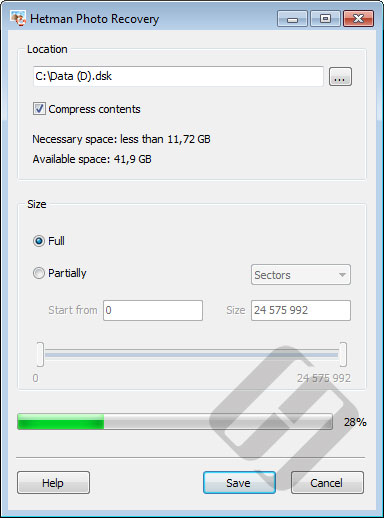
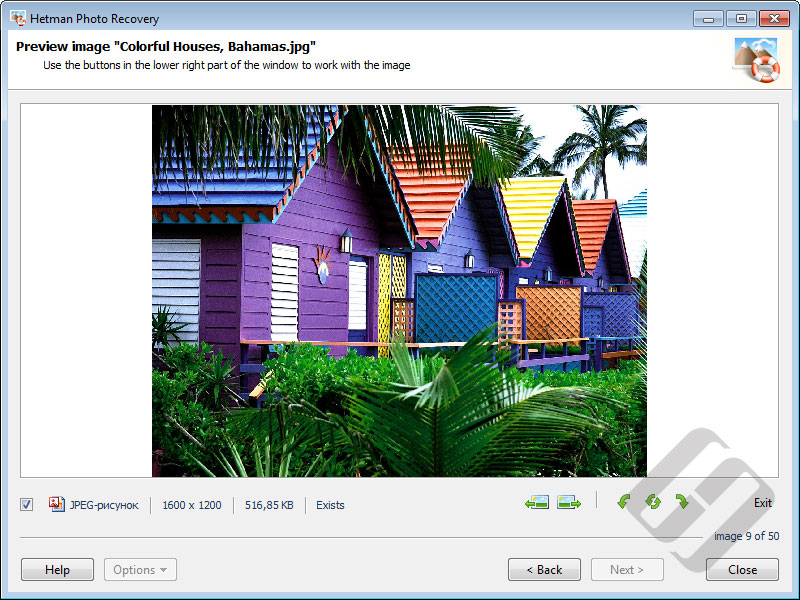
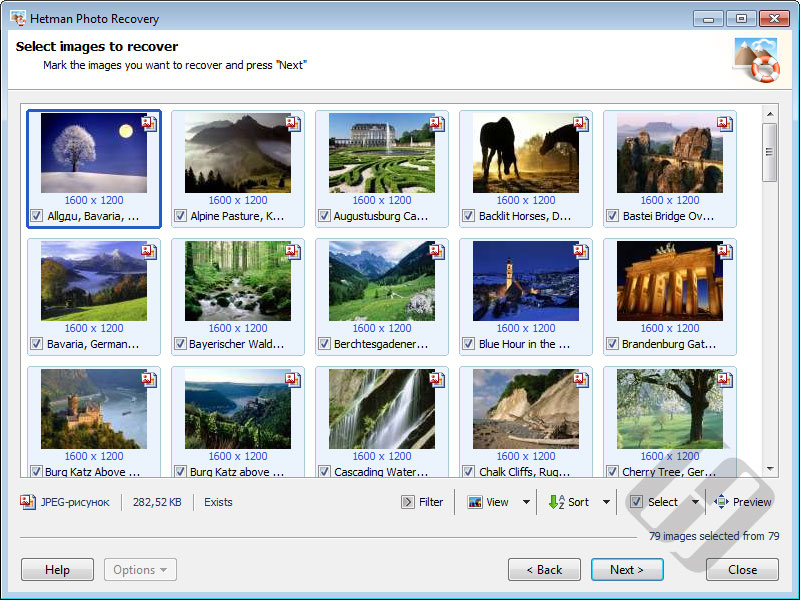
For safer recovery, the software uses read-only access to the source storage and can create a bit-precise disk image before scanning unstable media. Recoverable pictures are shown as thumbnails and can be opened in a full-size preview. Download and try Hetman Photo Recovery for free, scan the affected storage, and preview the photos you need before purchasing a license. Save recovered files to another disk or destination.
Videos
<iframe width="560" height="315" src="https://www.youtube.com/embed/8q2q-n7ORzI" frameborder="0" allow="accelerometer; autoplay; encrypted-media; gyroscope; picture-in-picture" allowfullscreen></iframe>
https://www.youtube.com/watch?v=8q2q-n7ORzI




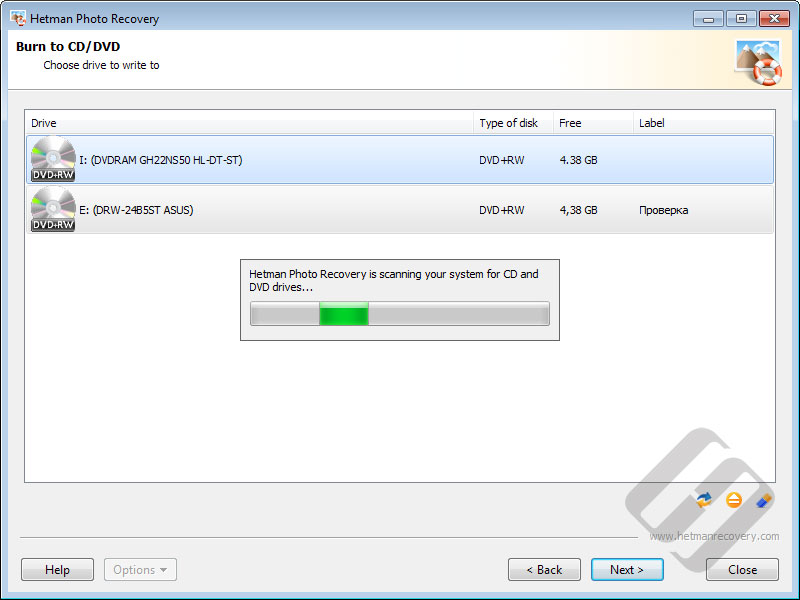
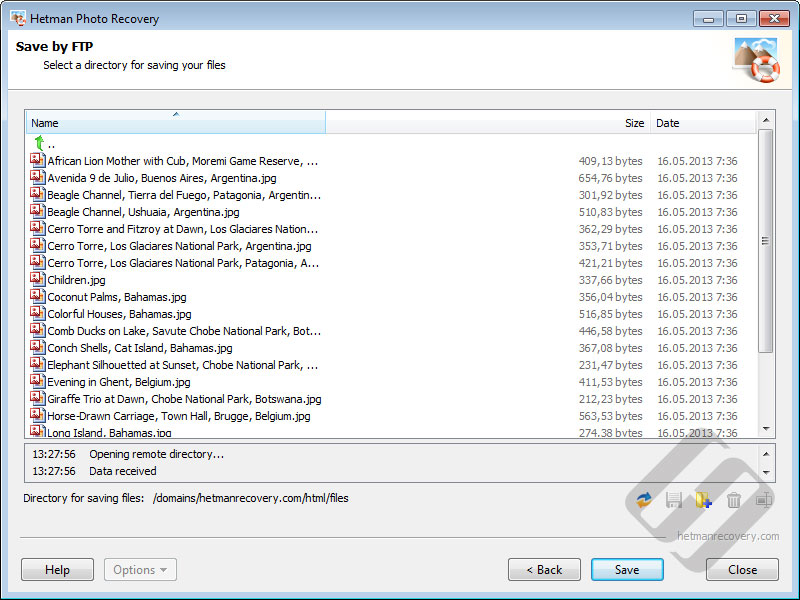
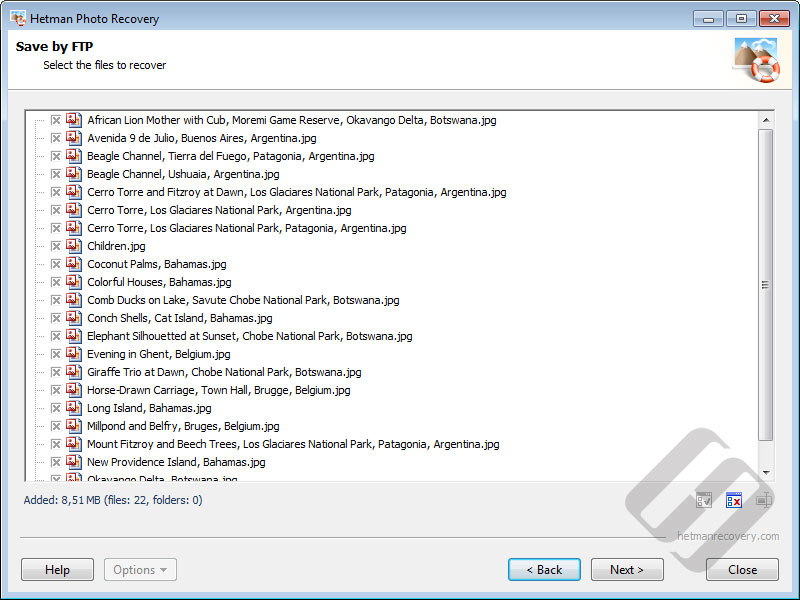

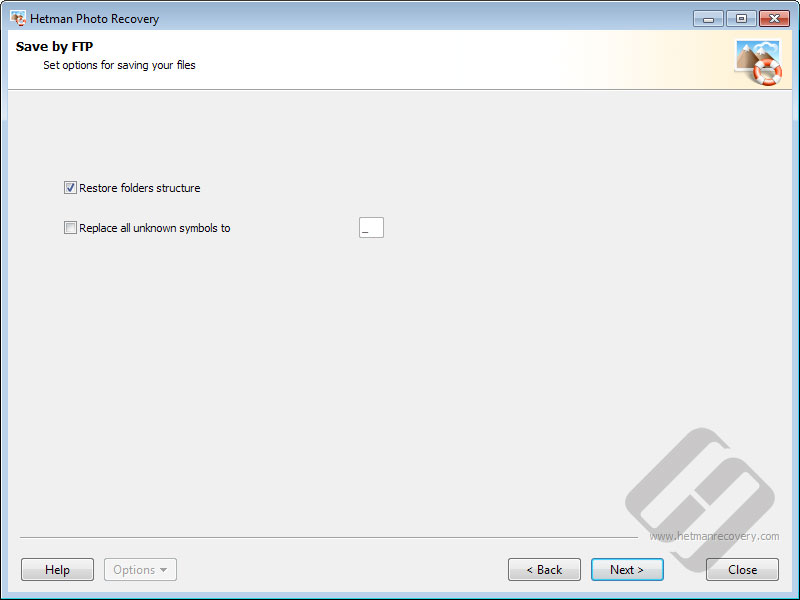



-
What photo formats and storage devices can Hetman Photo Recovery™ 7.3 recover?
It recovers common image formats and camera RAW files from memory cards, HDDs, SSDs, USB drives and other supported storage, including photos lost after deletion, formatting or file-system damage.
-
What is the difference between Fast Scan, Full Analysis and Content-Aware Analysis?
Fast Scan uses current file-system metadata for recently deleted files. Full Analysis scans sector by sector for formatted, RAW or damaged volumes, while optional Content-Aware Analysis searches by known file signatures.