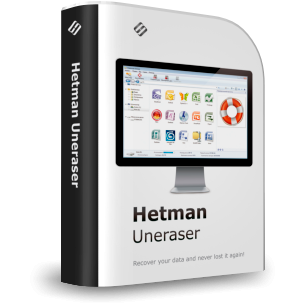
Promotional Materials for Hetman Uneraser™ 7.0
Use any materials from this page to put on your website. Participate in our affiliate program and get 30% from each copy of Hetman Uneraser™ 7.0 you sell.
Links & Descriptions
45 Chars
An easy way to recover lost data in seconds!
80 Chars
Affordable and efficient file uneraser that will find every bit of lost data!
250 Chars
If seeking a tool that will help you quickly recover your data after it was deleted, choose Hetman Uneraser. Offering a simple and user-friendly interface, it works with any types of modern and legacy media and supports all file types!
450 Chars
If you are seeking a tool that will help you quickly recover your data after it was deleted – intentionally or accidentally – choose Hetman Uneraser. Hetman Uneraser was created specifically for this purpose. Offering a simple and user-friendly interface similar to that of Windows Explorer, it works with any types of modern and legacy media, supports all file types and will be able to recover your files even after hard drive formatting!
2000 Chars
When your computer’s power suddenly goes off or you see a blue screen of death, the first thought that comes to your mind is whether the document you were working on is still there. In case of a minor hardware error, your information will be just fine, but worst case scenarios also happen and that’s when you should start worrying. A power failure, a virus attack or a critical error on your hard drive may knock you out of work for a long time and destroy your data.
If you happened to be in this situation, went through it and know very well how hard and expensive it is to restore information bit by bit, you should have a tool that will help you quickly recover your data after it was deleted – either intentionally or after an unfortunate accident.
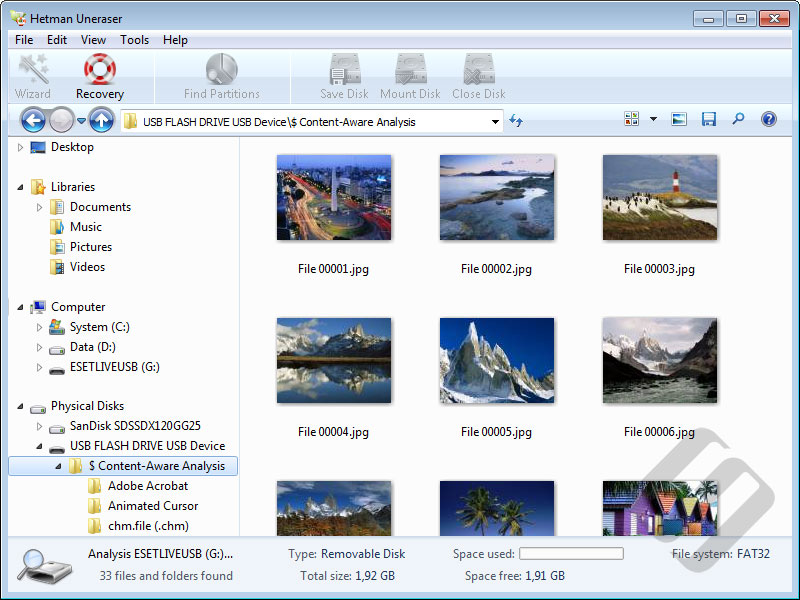
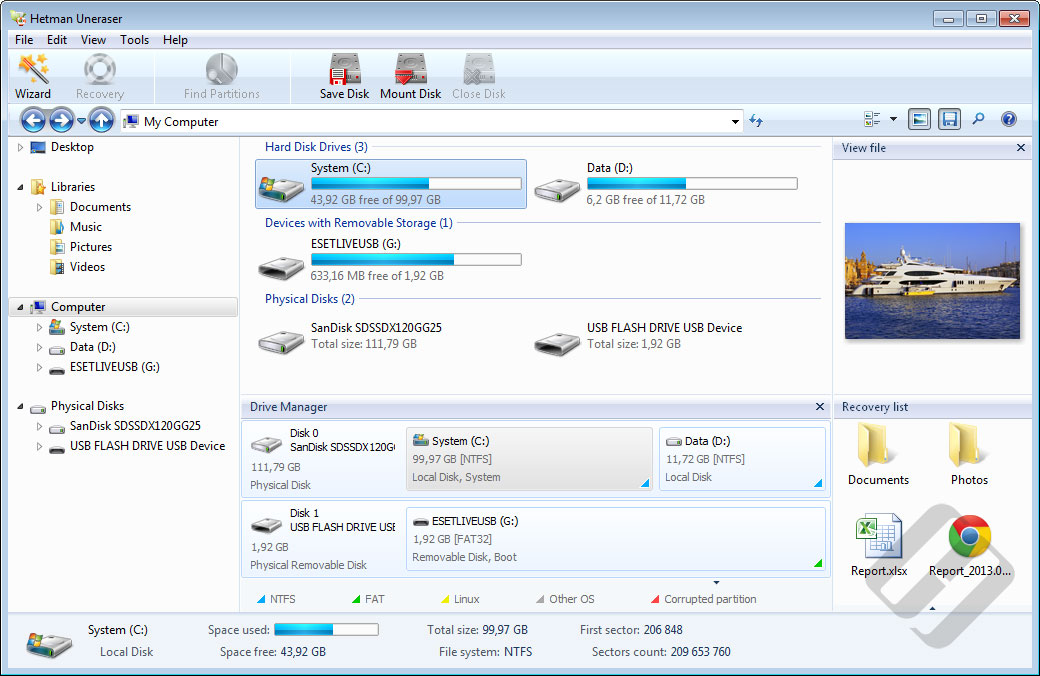
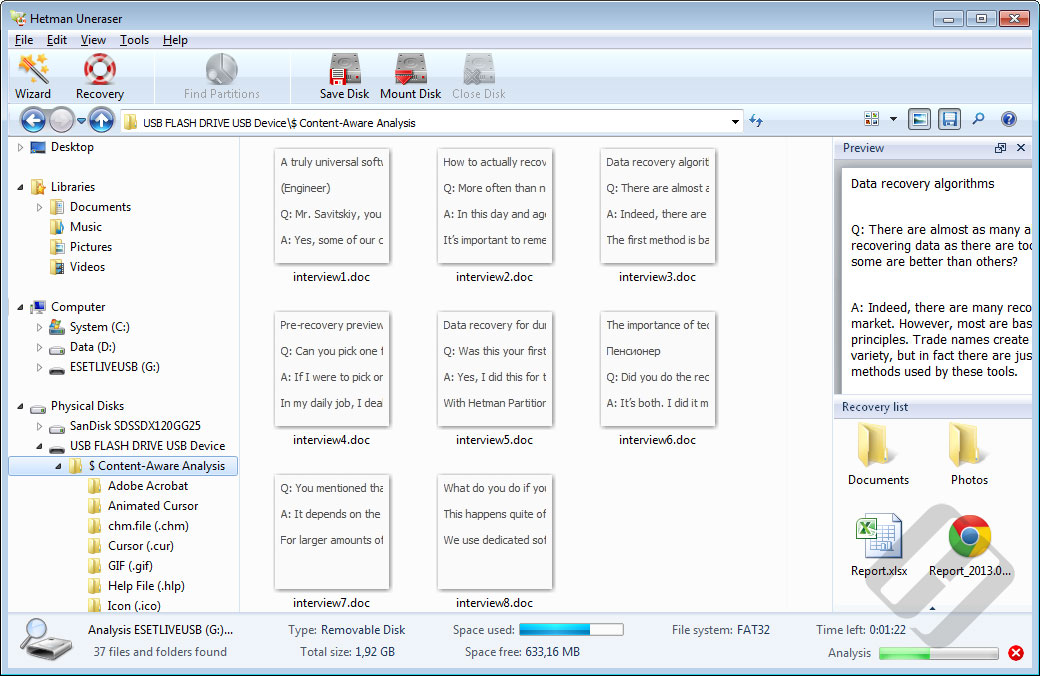
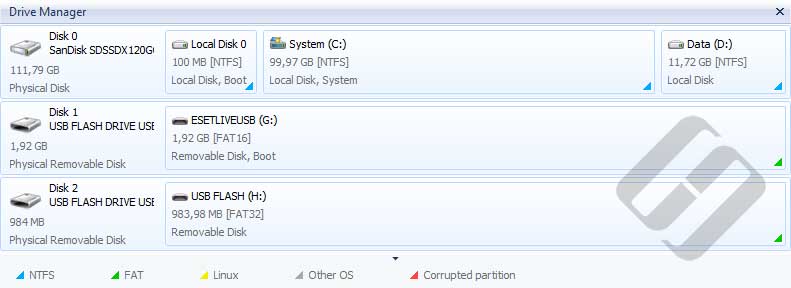
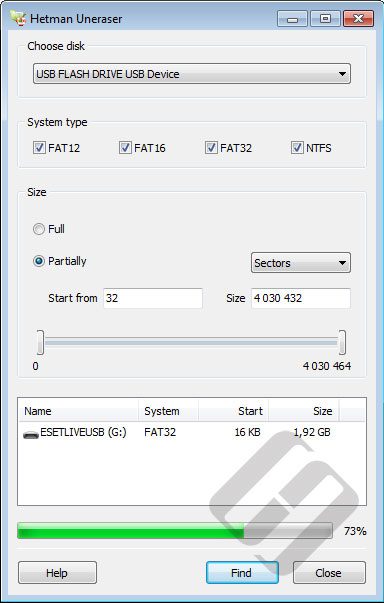
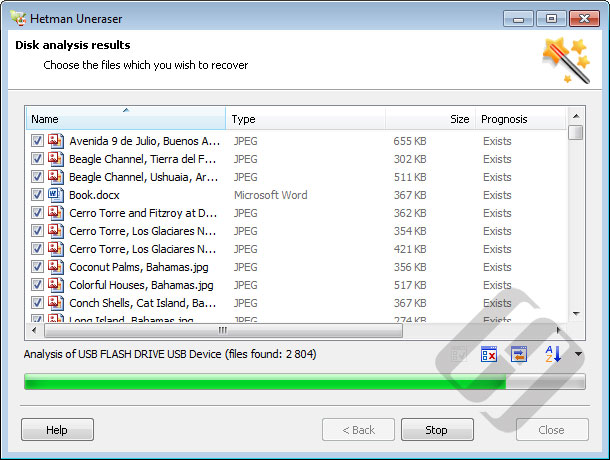
Hetman Uneraser was created specifically for these cases. Offering a simple interface similar to that of Windows Explorer, it works with virtually any types of modern and legacy media, such as HDDs, photo cameras, USB devices, and phone memory cards, cell phones, ZIPs and 3.5″ disks. No matter which file system you use – FAT16, FAT32 or NTFS – Hetman Uneraser will be an equally efficient file recovery tool. The software scans the selected location and displays a searchable and sortable list of recoverable files that you can preview prior to starting the recovery process. Being able to preview a file is a guarantee of its 100% recoverability.
But even if the file can’t be previewed, there is still a good chance that you will be able to recover lost data. Hetman Uneraser supports all file types and will be able to recover your files even after hard drive re-formatting.
Hetman Uneraser will be your 911 file recovery service available around the clock. Simple and always efficient, it will help you recover lost data in situations when time is critical and there is no other help around. Get the trial version and see for yourselves how fast you can find the files that you deleted days ago!
Videos
<iframe width="560" height="315" src="https://www.youtube.com/embed/m8aZuWEfZ-U" frameborder="0" allow="accelerometer; autoplay; encrypted-media; gyroscope; picture-in-picture" allowfullscreen></iframe>
https://www.youtube.com/watch?v=m8aZuWEfZ-U