Hetman Internet Spy™ 4.4 Promotional Materials
Use any materials from this page on your website. Join our affiliate program and earn a 30% commission on every copy of Hetman Internet Spy™ 4.4 you sell.
Links & Descriptions
45 Characters
Analyze browser activity on this computer.
80 Characters
Analyze browser history and stored browser data on Windows, Linux, or macOS.
250 Characters
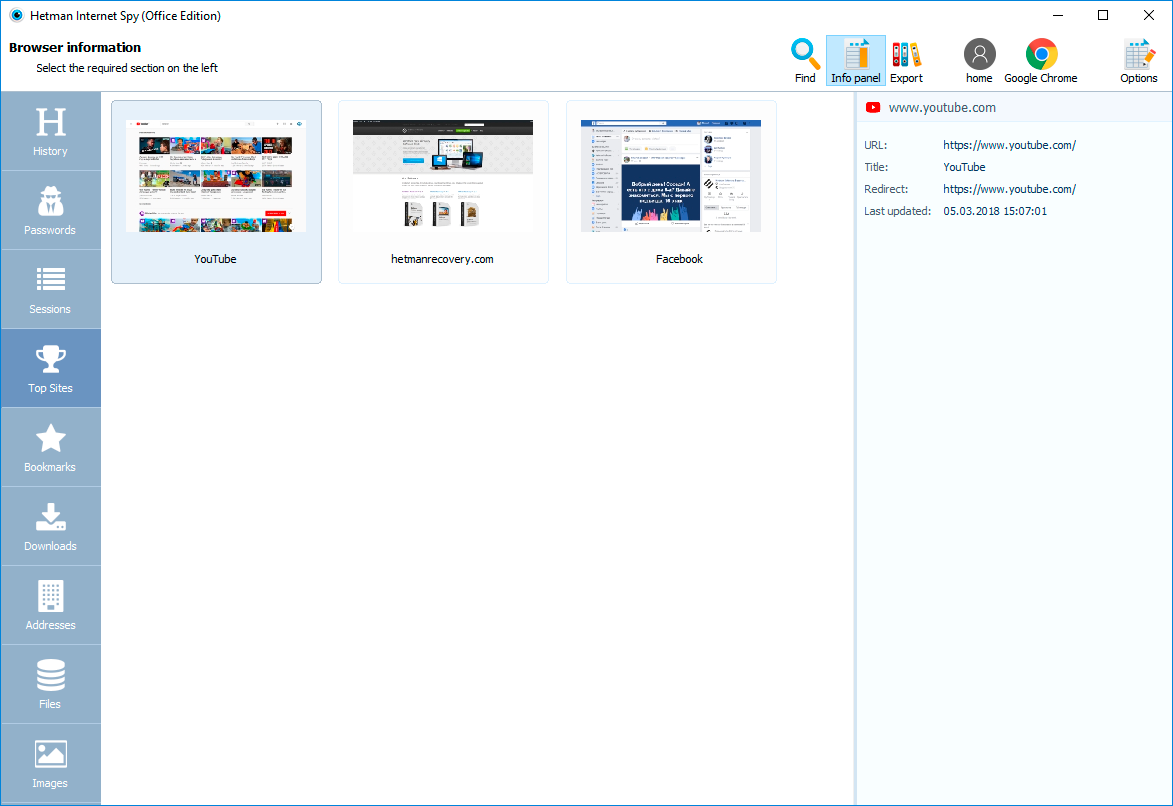
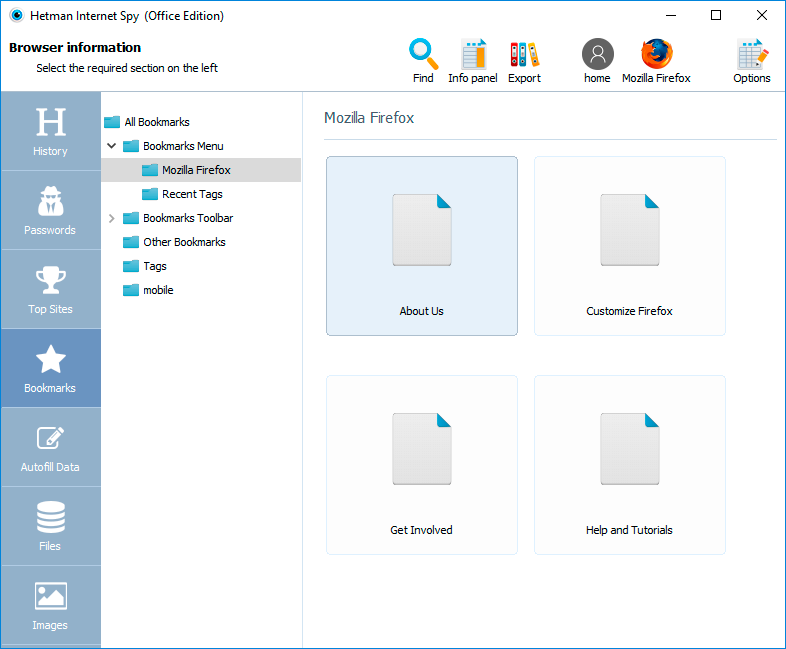
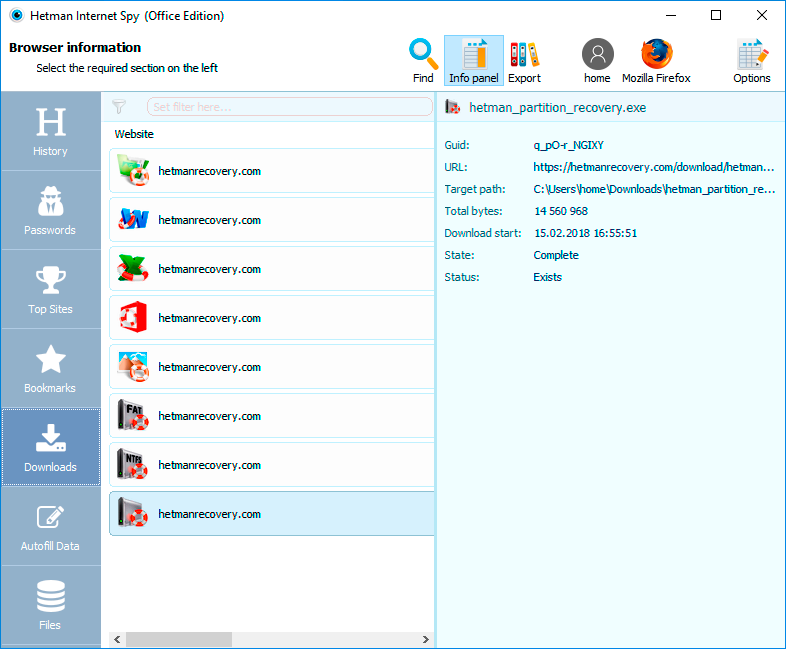
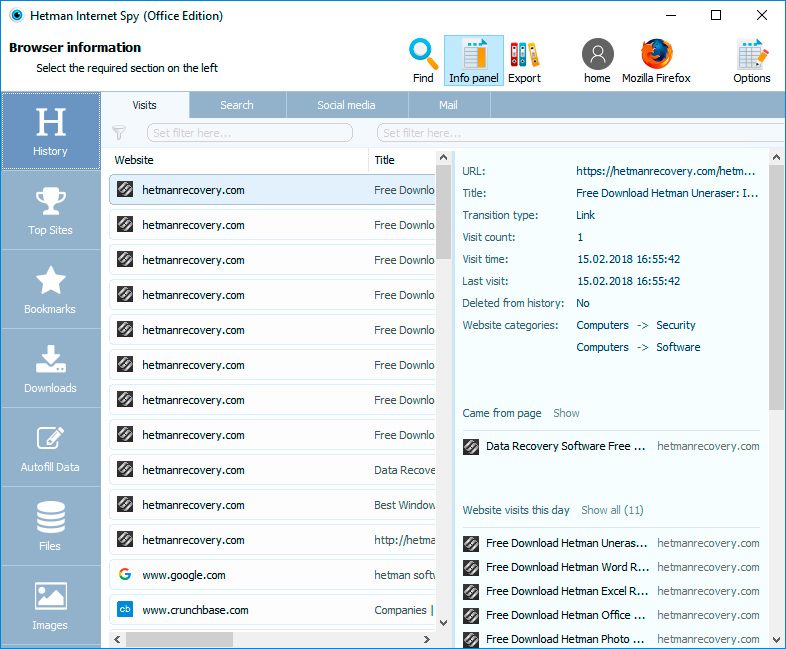
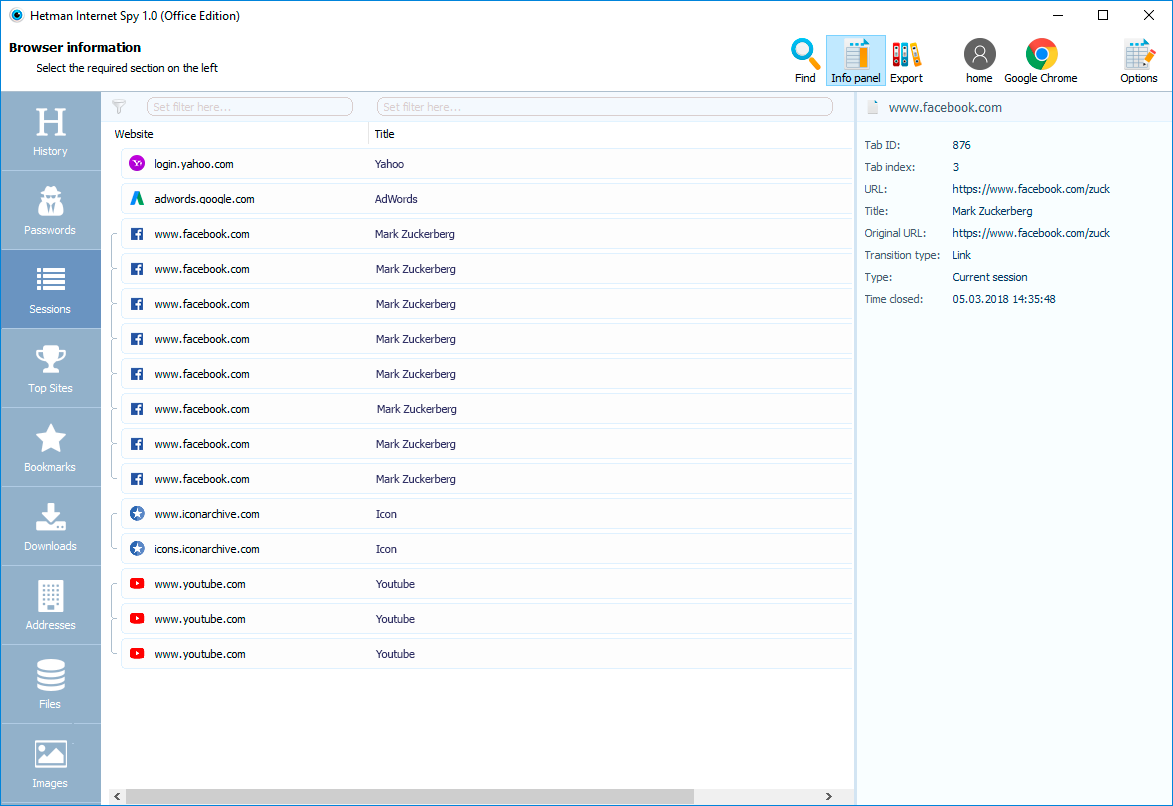
Hetman Internet Spy analyzes browser data stored on the current computer. View browsing history, searches, downloads, bookmarks, and available saved login data across multiple profiles in Chromium-based browsers, Firefox, and Safari on macOS.
450 Characters
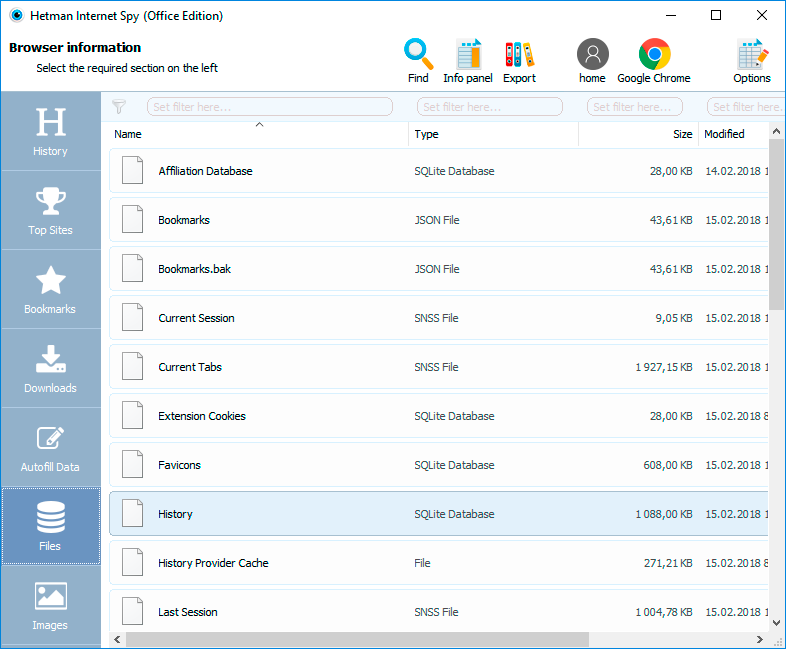
Hetman Internet Spy analyzes browser data on the current Windows, Linux, or macOS system. It detects multiple profiles and shows history, searches, downloads, bookmarks, and available saved login data from Chromium-based browsers, Firefox, and Safari on macOS. It can also find browser data files left after uninstalling a browser. It works with information still present in browser files and cannot reconstruct records no longer stored there.
2000 Characters
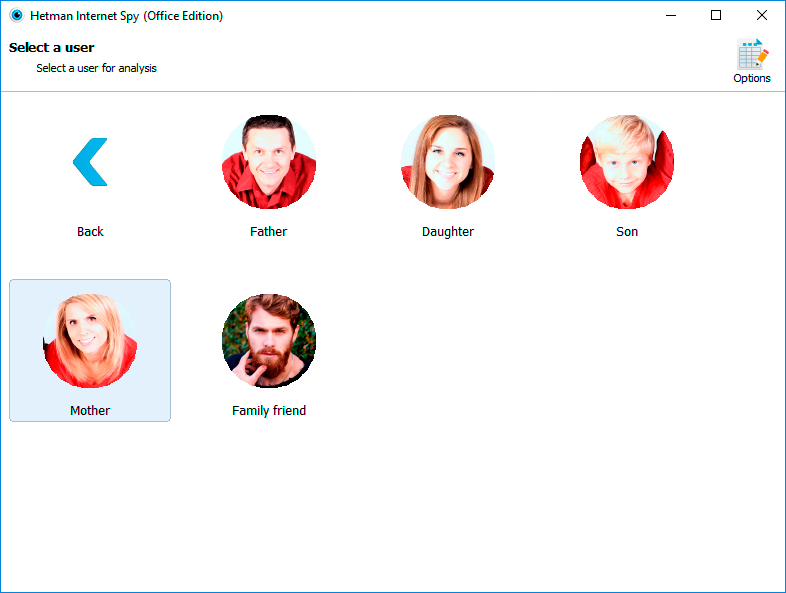
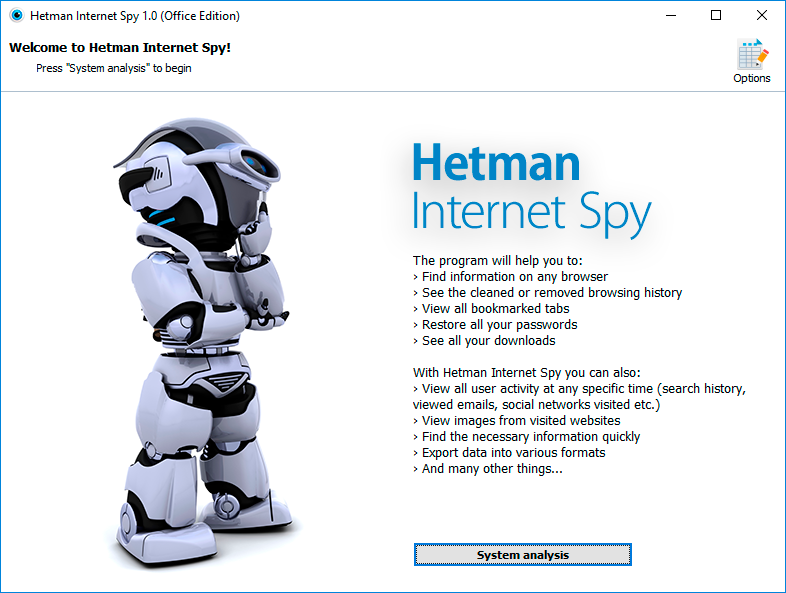
Hetman Internet Spy is designed to analyze browser data stored on the computer that is currently running Windows, Linux, or macOS. It searches the standard browser profile locations on the system, detects multiple profiles, and organizes the information found there into a convenient report for review.
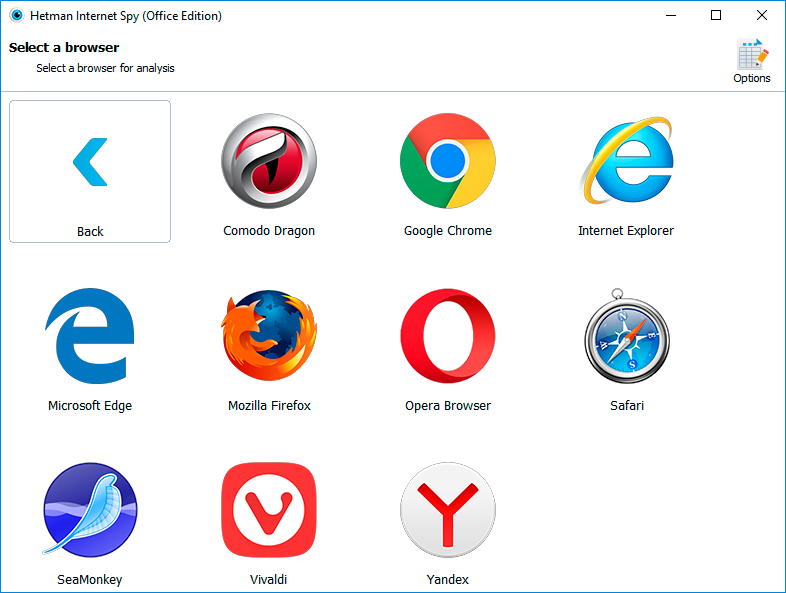
The program supports Chromium-based browsers such as Google Chrome, Microsoft Edge, Opera, Brave, Vivaldi, Chromium, Yandex Browser and other compatible browsers, as well as Mozilla Firefox on Windows, Linux, and macOS and Safari on macOS. It can also detect browser data files that remain on the computer after the corresponding browser has been uninstalled.
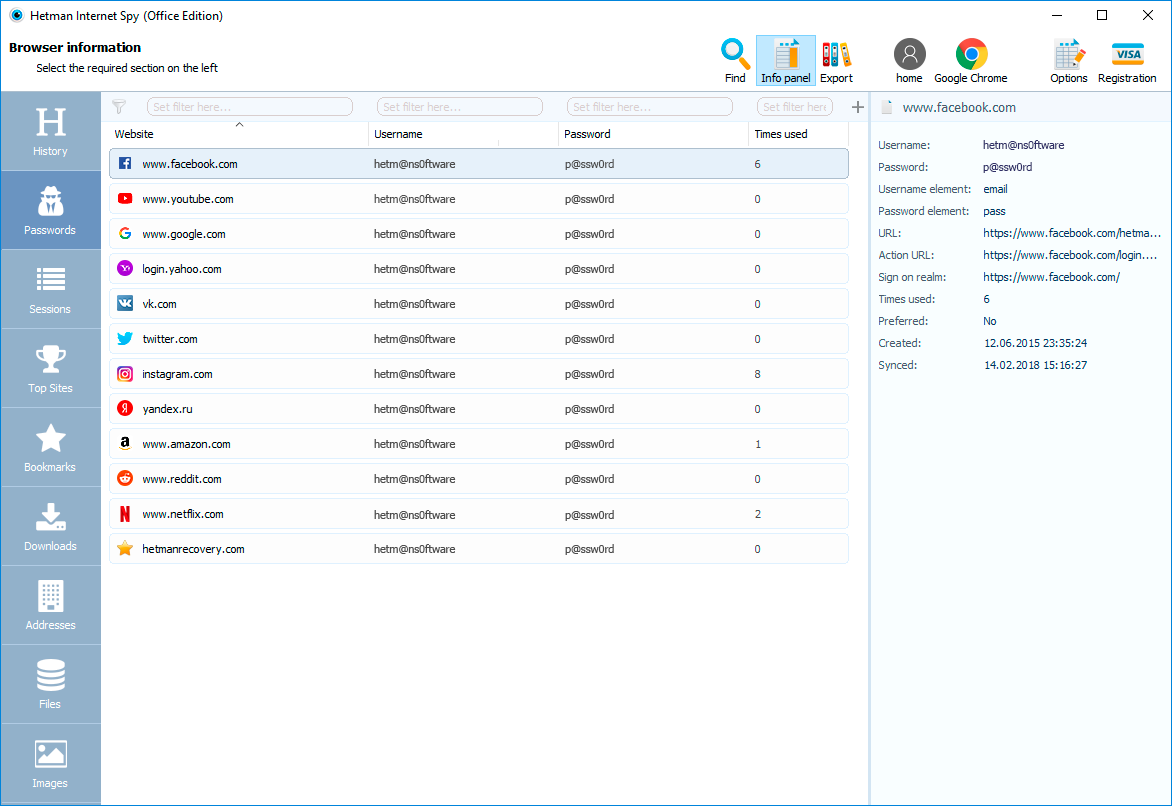
Depending on what the browser has stored, Internet Spy can show browsing history, search activity, downloads, bookmarks, and available saved login information. It does not decrypt encrypted browser passwords; saved credentials can be shown only when the underlying browser data is available in a readable, unencrypted form. The program does not provide a separate cookies analysis feature.
Internet Spy works with browser files that are still present on the current system. Clearing browsing history removes or changes the browser’s own records, while Incognito or Private modes may avoid writing some activity to those files. If the required history is no longer present in the browser data, the program cannot reconstruct it from another disk or disk image.
Use Hetman Internet Spy when you need to review browser activity across several user profiles or supported browsers on one computer, inspect data left by an uninstalled browser, or export the information found for further analysis. The software provides a structured way to examine browser artifacts without manually opening individual browser databases and profile files.
Videos
<iframe width="560" height="315" src="https://www.youtube.com/embed/Brb38z6xSdU" frameborder="0" allow="accelerometer; autoplay; encrypted-media; gyroscope; picture-in-picture" allowfullscreen></iframe>
https://www.youtube.com/watch?v=Brb38z6xSdU



-
What browser data can Hetman Internet Spy™ 4.4 analyze?
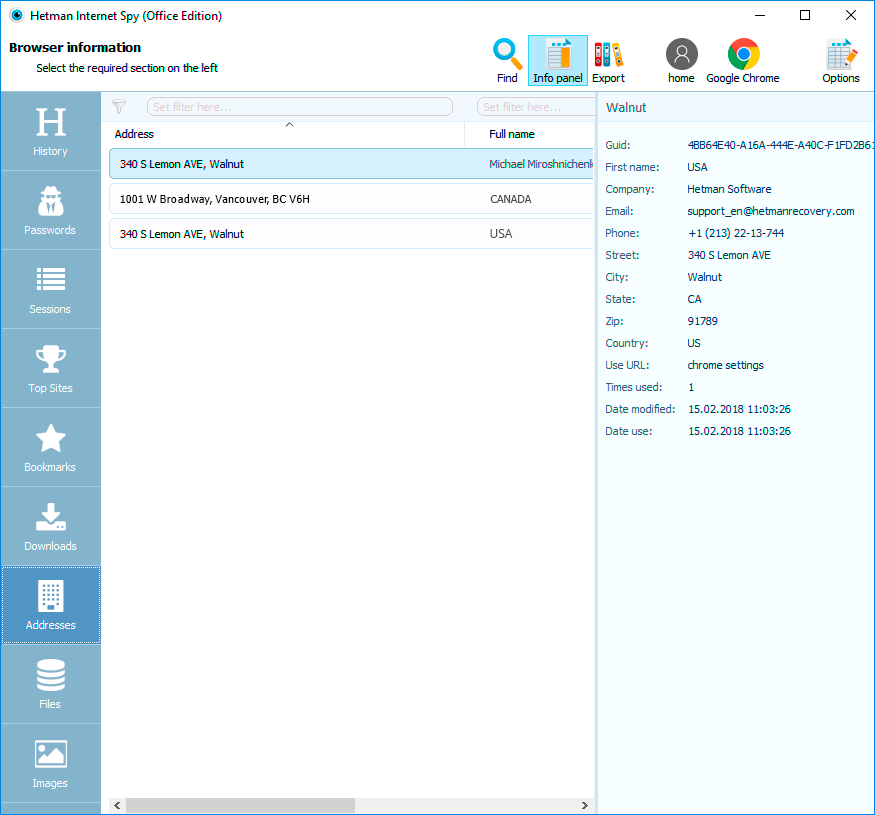
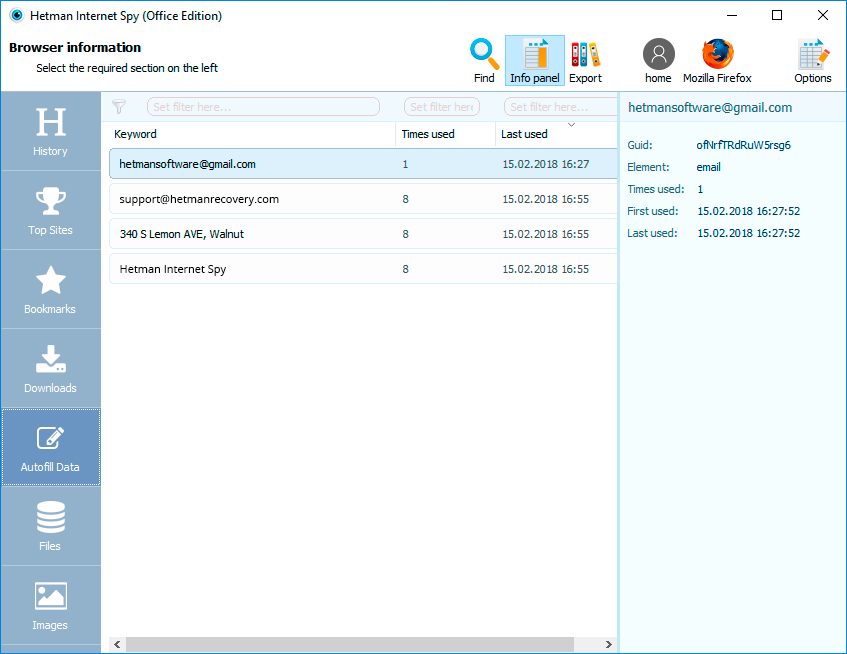
It analyzes browser profiles on the current Windows, Linux or macOS system. Depending on what is stored in the profile, it can extract browsing history, downloads, bookmarks, unencrypted saved passwords and other supported data from Chromium-based browsers, Firefox and Safari on macOS.
-
Can Hetman Internet Spy™ 4.4 recover cleared history or Incognito/Private browsing activity?
It can analyze only data that still exists in browser files or profile remnants. Incognito/Private mode often does not write history, and records already removed from the browser database cannot be reconstructed if the data is no longer present.