Hetman Uneraser™ 7.5 Promotional Materials
Use any materials from this page on your website. Join our affiliate program and earn a 30% commission on every copy of Hetman Uneraser™ 7.5 you sell.
Links & Descriptions
45 Characters
Recover accidentally deleted files quickly.
80 Characters
Recover files deleted with Shift+Delete or removed from Recycle Bin or Trash.
250 Characters
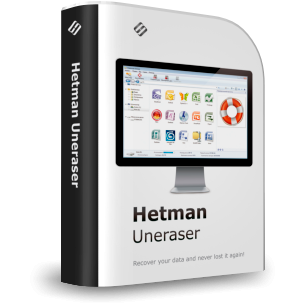
Hetman Uneraser is an affordable undelete tool for accidentally deleted files. Recover data after Shift+Delete, an emptied Recycle Bin or Trash, or deletion from HDDs, SSDs, USB drives, and memory cards. Scan and preview files before purchase.
450 Characters
Hetman Uneraser is a fast, affordable tool for accidentally deleted files. Restore data after Shift+Delete, an emptied Recycle Bin or Trash, or deletion from HDDs, SSDs, USB drives, and memory cards. It supports major Windows, Linux, and macOS file systems and compatible structures on one physical disk. It focuses on undelete rather than formatted disks or lost partitions. Scan and preview files free before purchase.
2000 Characters
Hetman Uneraser is an affordable, easy-to-use data recovery tool designed specifically for undelete scenarios. It restores files removed accidentally, deleted with Shift+Delete or another permanent deletion method, erased from an emptied Windows Recycle Bin or macOS Trash, or deleted directly from removable storage such as a USB flash drive or memory card.
The program works with HDDs, SSDs, external drives, USB flash drives, memory cards, and other supported storage. It runs on Windows, Linux, and macOS and supports major file systems including FAT, exFAT, NTFS, ReFS, APFS, HFS+, Ext2/3/4, XFS, Btrfs, ReiserFS, ZFS, and UFS. On a single physical disk it can also follow supported nested storage structures needed to reach the file system, including compatible LVM and other logical layers.
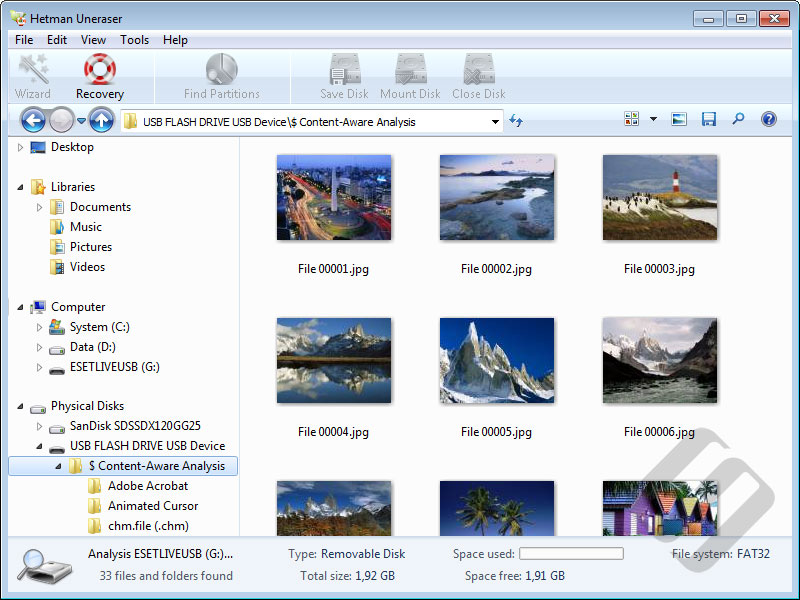
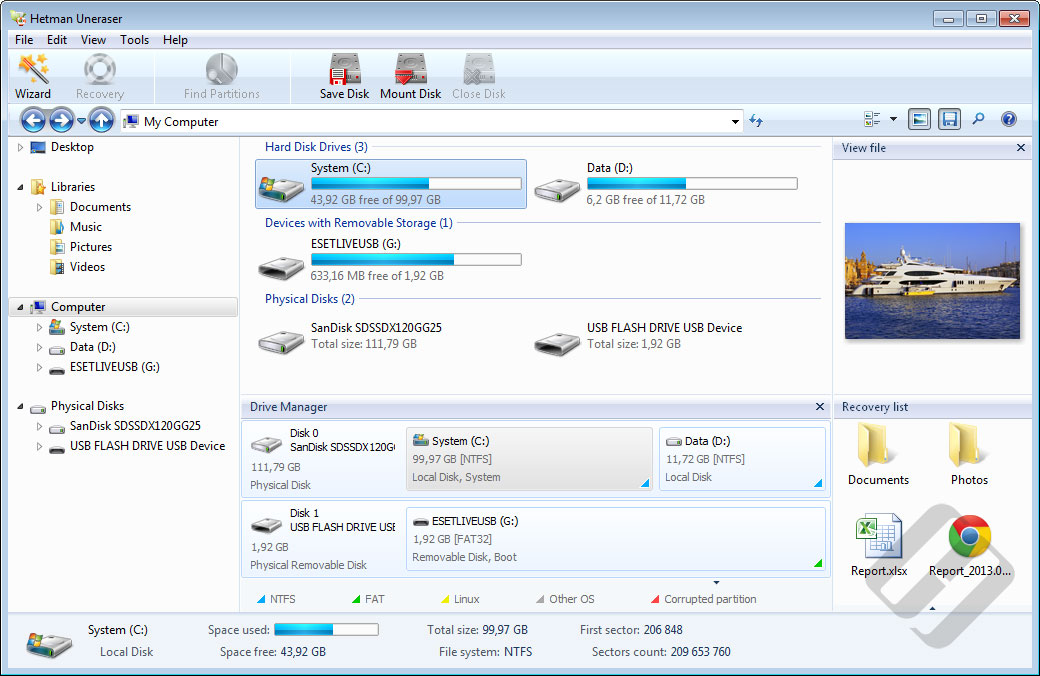
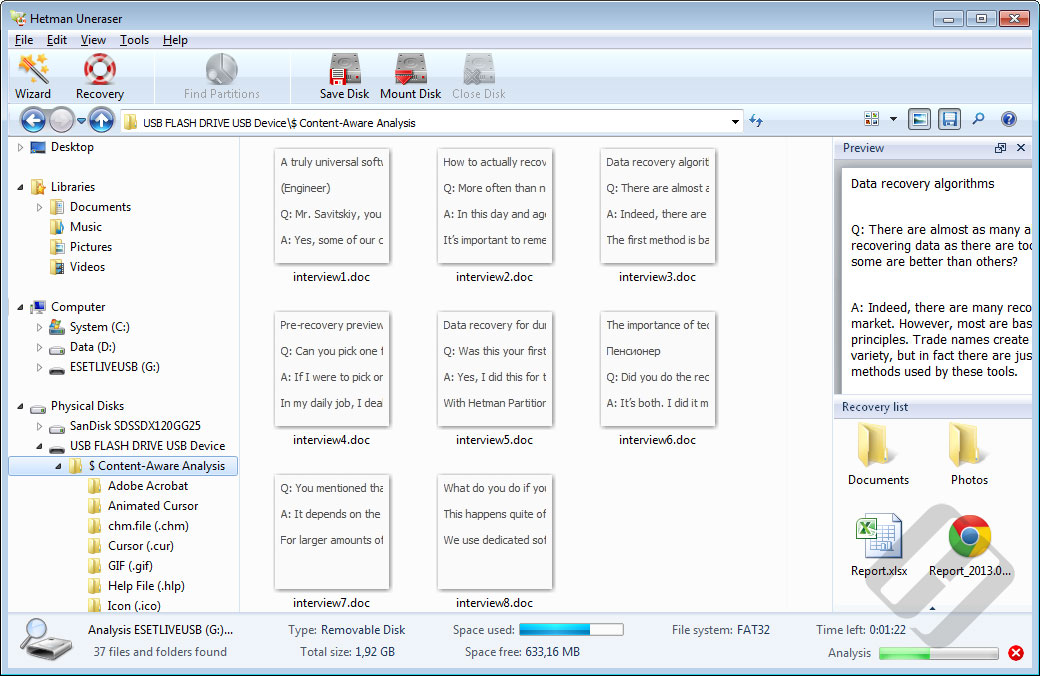
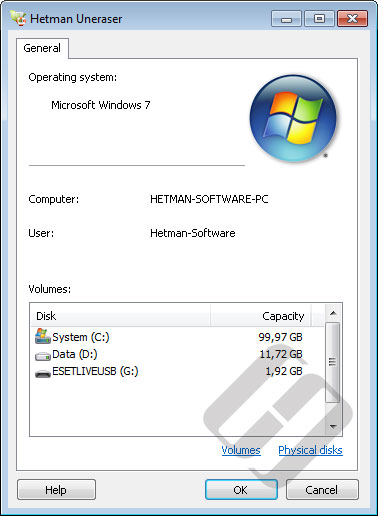
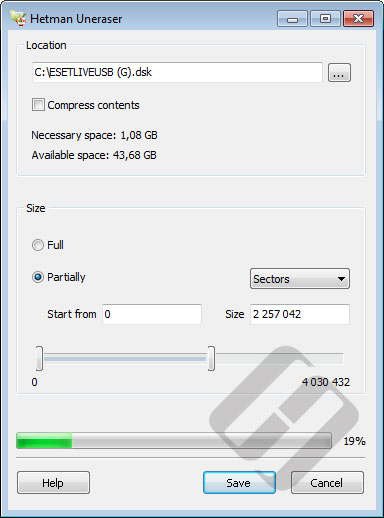
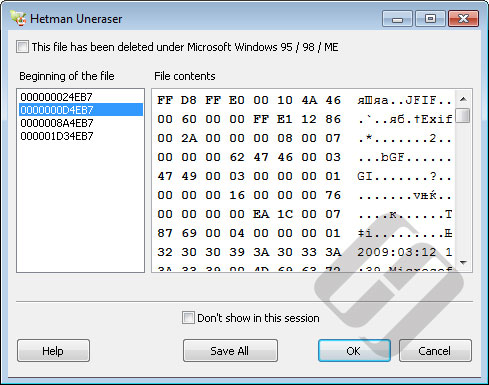
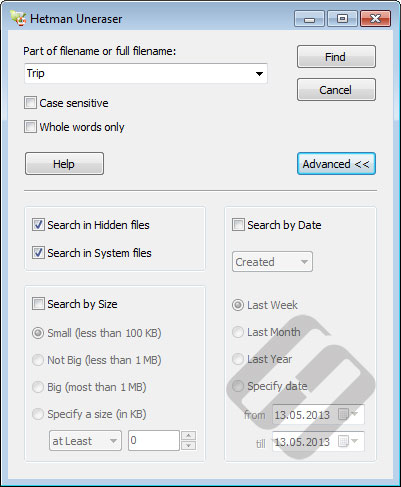
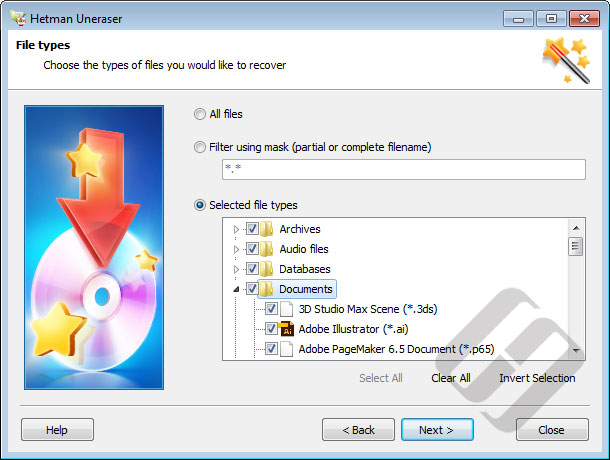
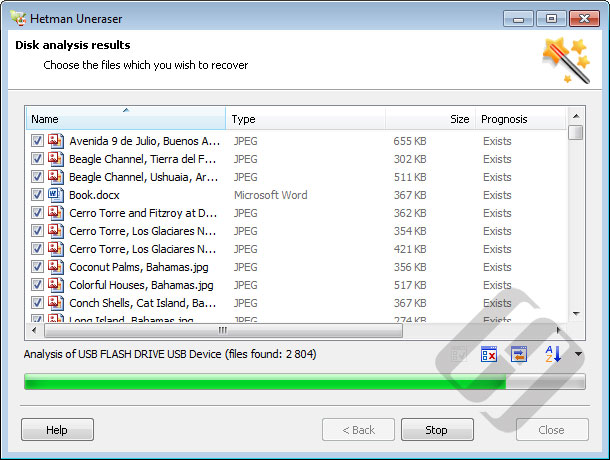
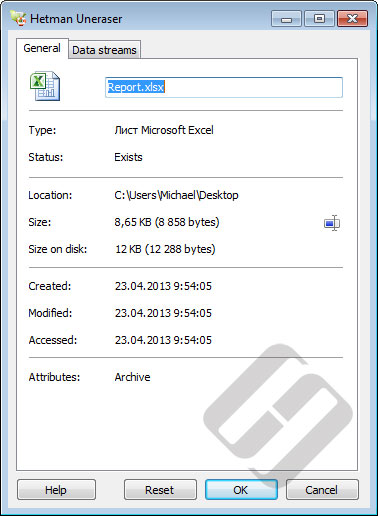
Uneraser uses available file-system metadata to locate deleted files and reconstruct their original names, folders, paths, timestamps, and other attributes when those records still exist. The familiar Explorer-style interface displays existing and deleted files together, while search, filters, preview, and the built-in HEX viewer help identify the files you need before recovery.
The product is intentionally focused on recovering deleted files. It is not the recommended tool for formatted disks, deleted or lost partitions, RAW volumes, severe file-system damage, or multi-disk storage such as RAID, multi-device ZFS, Btrfs, or LVM. For those scenarios use Hetman Partition Recovery or Hetman RAID Recovery, depending on the storage configuration.
Download and try Hetman Uneraser for free. Scan the affected storage, browse the results, and preview supported recoverable files before purchasing a license to confirm that the data you need can be restored. Do not install the software on the affected drive or save recovered files back to it, because new writes may overwrite deleted data.
Videos
<iframe width="560" height="315" src="https://www.youtube.com/embed/2vVxDooFNHc" frameborder="0" allow="accelerometer; autoplay; encrypted-media; gyroscope; picture-in-picture" allowfullscreen></iframe>
https://www.youtube.com/watch?v=2vVxDooFNHc











-
When is Hetman Uneraser™ 7.5 the right choice?
It is best suited to recovering recently deleted files from an existing, readable file system on a single physical disk, when you do not need to reconstruct a failed multi-disk array.
-
Can Hetman Uneraser™ 7.5 work with LVM, Btrfs or ZFS structures?
Yes, when the required structures are contained on a single physical disk. It supports relevant LVM structures and snapshots, Btrfs snapshots and ZFS structures on that disk. For multi-disk LVM, Btrfs or ZFS, use Hetman RAID Recovery.