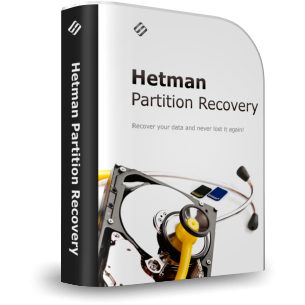
Hetman Partition Recovery™ 5.5 Promotional Materials
Use any materials from this page on your website. Join our affiliate program and earn a 30% commission on every copy of Hetman Partition Recovery™ 5.5 you sell.
Links & Descriptions
45 Characters
Advanced recovery for disks and partitions.
80 Characters
Recover files, lost partitions, formatted disks, RAW volumes, and virtual disks.
250 Characters
Hetman Partition Recovery recovers deleted files, formatted disks, lost partitions, RAW volumes, and damaged file systems. Analyze disks, memory cards, disk images, virtual disks, and encrypted storage across Windows, Linux, and macOS file systems.
450 Characters
Hetman Partition Recovery is Hetman Software’s flagship solution for deleted files, formatted disks, lost partitions, RAW volumes, and damaged file systems. It supports Windows, Linux, and macOS file systems, HDDs, SSDs, USB drives, memory cards, disk images, virtual disks, and encrypted storage. Use Quick Scan or deep sector-by-sector analysis, reconstruct lost volumes, preview recoverable files, and test the software free before purchase.
2000 Characters
Hetman Partition Recovery is Hetman Software’s flagship general-purpose data recovery solution for logical data-loss cases. It recovers files after accidental deletion, Shift+Delete, an emptied Recycle Bin, formatting, repartitioning, lost or deleted partitions, damaged file systems, RAW volumes, malware, power failures, and storage that has become unreadable or inaccessible.
It works with HDDs, SSDs, USB flash drives, memory cards, external drives, disk images, virtual machine disks, and supported encrypted storage. The program supports file systems used by Windows, Linux, macOS, Unix, and virtualization platforms, including FAT/exFAT, NTFS/ReFS, Ext2/3/4, XFS, Btrfs, ReiserFS, ZFS, UFS, HFS+, APFS, VMFS, and HikvisionFS.
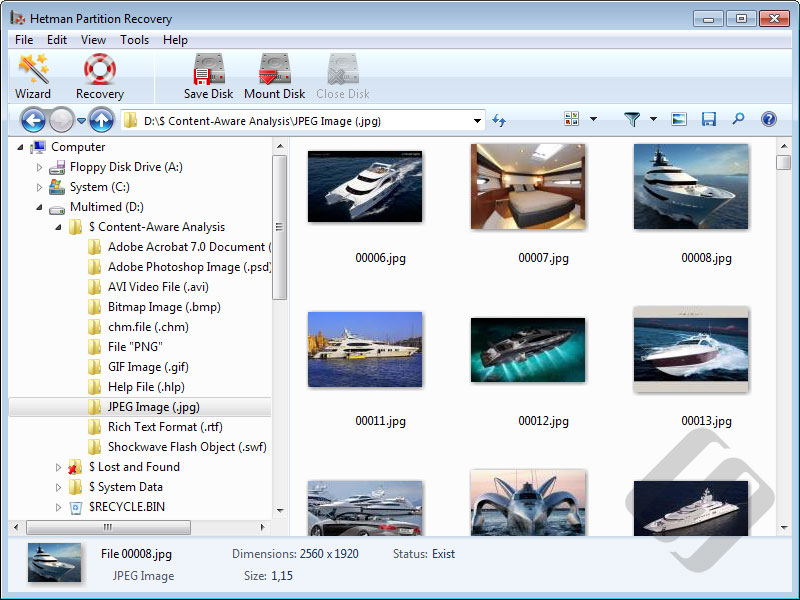
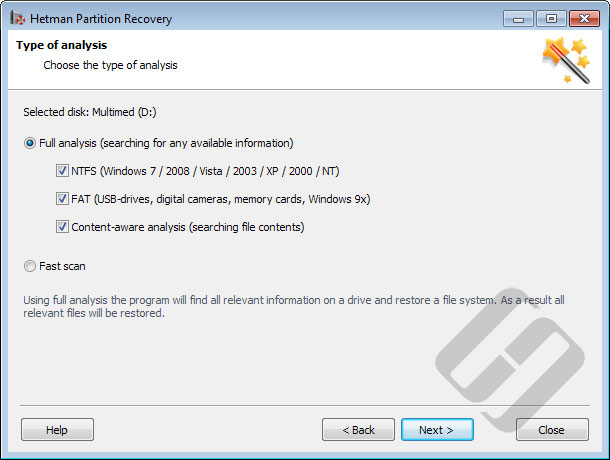
The recovery engine combines fast file-system analysis with deep sector-by-sector scanning. Quick Scan uses available file-system metadata to restore recently deleted files quickly. Full Analysis searches the entire storage surface, detects lost volumes, reconstructs damaged file-system structures, and can use content-aware signature analysis when file-system records are missing or overwritten.
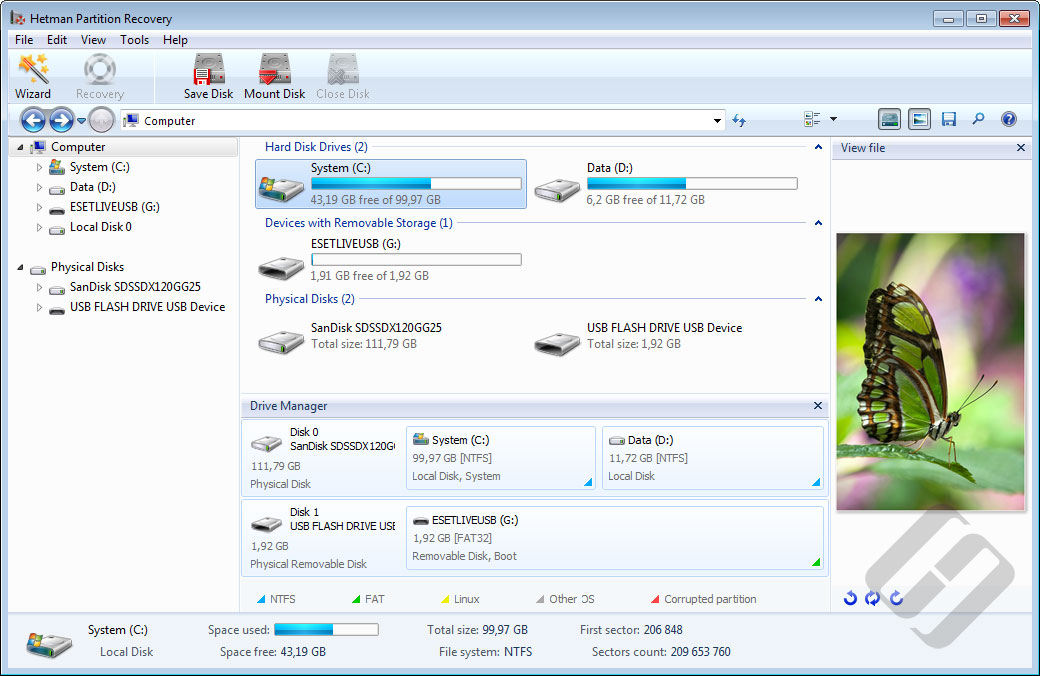
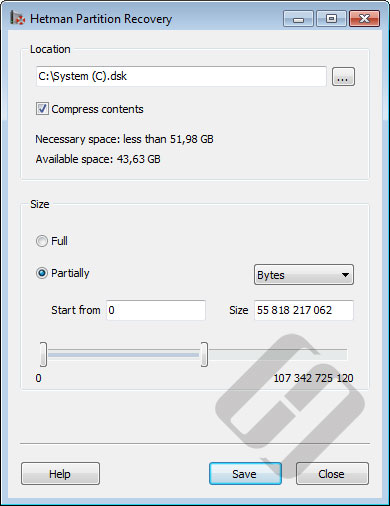
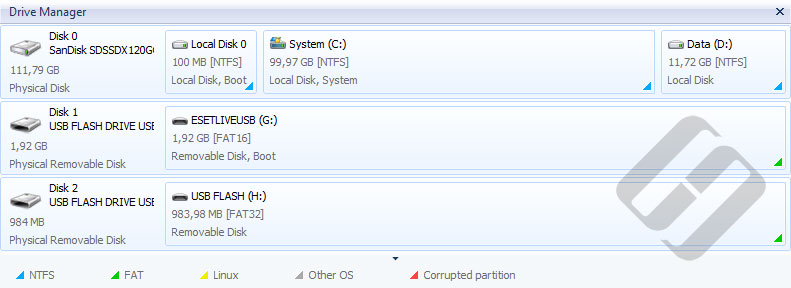
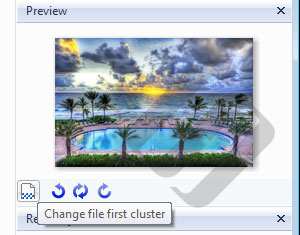
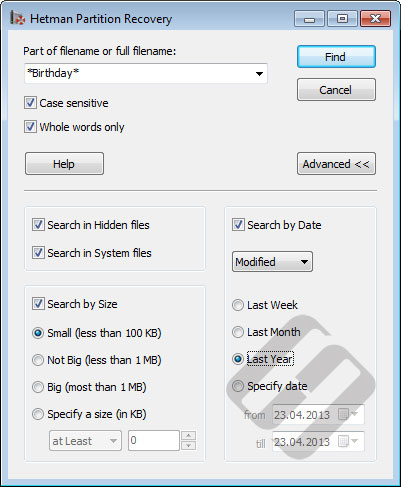
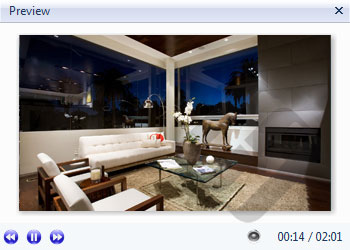
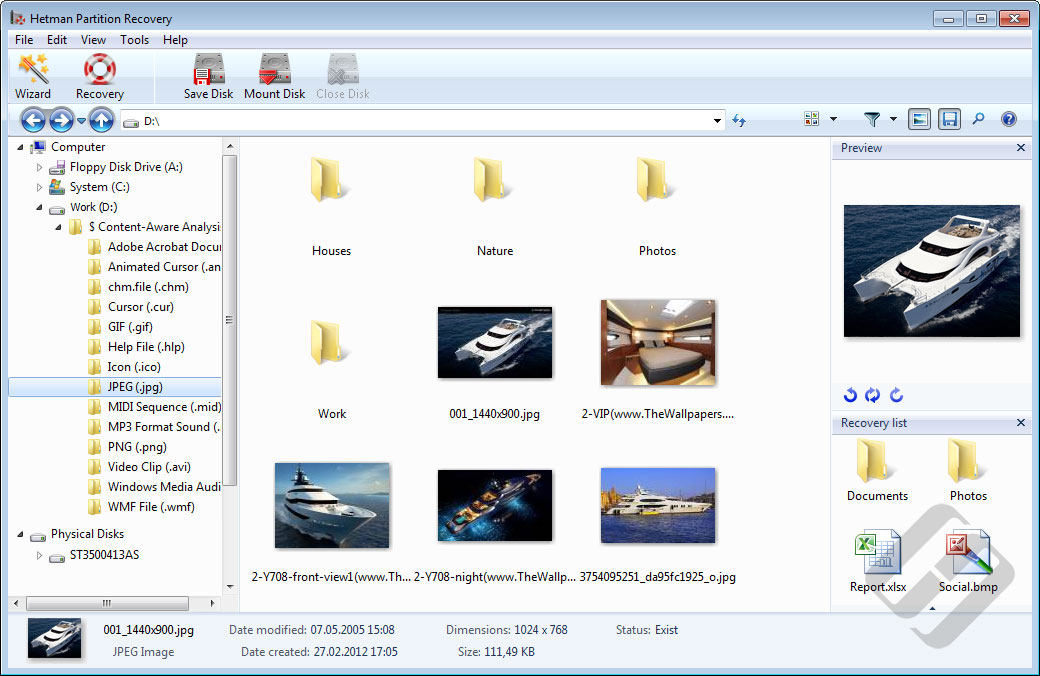
For safer work with unstable or damaged media, Partition Recovery can create a bit-precise disk image before analysis. You can save scan results and continue later, browse reconstructed folders, search for files, inspect disks, partitions, and files with the built-in HEX editor, and preview supported documents, photos, archives, video, and other files before recovery.
Download and try Hetman Partition Recovery for free. Scan the affected device, examine the reconstructed file system, and preview recoverable files before purchasing a license to confirm that the data you need can be recovered. Save recovered files to another disk or destination so recoverable source data is not overwritten.
Videos
<iframe width="560" height="315" src="https://www.youtube.com/embed/CbMA34Zr0ak" frameborder="0" allow="accelerometer; autoplay; encrypted-media; gyroscope; picture-in-picture" allowfullscreen></iframe>
https://www.youtube.com/watch?v=CbMA34Zr0ak





-
When should I use Hetman Partition Recovery™ 5.5?
Use it when files were deleted, a storage device was formatted, a partition was deleted or lost, or the file system became damaged, RAW or inaccessible. It is intended for deeper recovery tasks than a simple undelete operation.
-
Can Hetman Partition Recovery™ 5.5 work with disk images before recovery?
Yes. It can create and analyze disk images so you can work with a copy instead of repeatedly reading an unstable source device, and it lets you preview recoverable files before purchasing a license.