Hetman File Repair™ 1.1 Promotional Materials
Use any materials from this page on your website. Join our affiliate program and earn a 30% commission on every copy of Hetman File Repair™ 1.1 you sell.
Links & Descriptions
45 Characters
Repair corrupted files and damaged images.
80 Characters
Repair corrupted or incomplete files that no longer open or display correctly.
250 Characters
Hetman File Repair fixes corrupted or incomplete files that no longer open or display correctly. Repair damaged JPEG, TIFF, PNG, and BMP images after recovery errors, bad sectors, malware, or file corruption, and preview the result before saving.
450 Characters
Hetman File Repair repairs corrupted or incomplete files that exist but no longer open or display correctly. It analyzes file contents and rebuilds damaged internal structures, helping repair JPEG, TIFF, PNG, and BMP images affected by unsuccessful data recovery, bad sectors, malware, or other corruption. Preview the repaired result before saving, inspect file contents with the built-in HEX editor, and try the program before purchasing a license.
2000 Characters
Hetman File Repair is designed to repair corrupted or incomplete files that still exist on a disk but no longer open, display correctly, or contain an intact internal structure. The program analyzes the contents of a damaged file at a low level and rebuilds the information that can still be recovered, making it useful when ordinary applications can no longer read the file.
It can repair damaged JPEG, TIFF, PNG, and BMP images, including files affected by an unsuccessful data recovery attempt, bad sectors, read or write errors, malware, or partial overwriting. For supported JPEG files, repair is performed without re-encoding, helping preserve the original image quality and available EXIF information.
File Repair does more than correct a damaged header. It analyzes the file structure and available content blocks to reconstruct usable data where possible. This can help restore access to images that appear corrupted, open with errors, display only partially, or were recovered from damaged storage in an incomplete state.
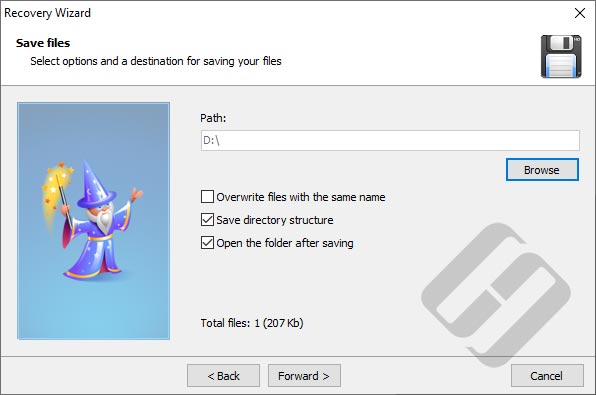
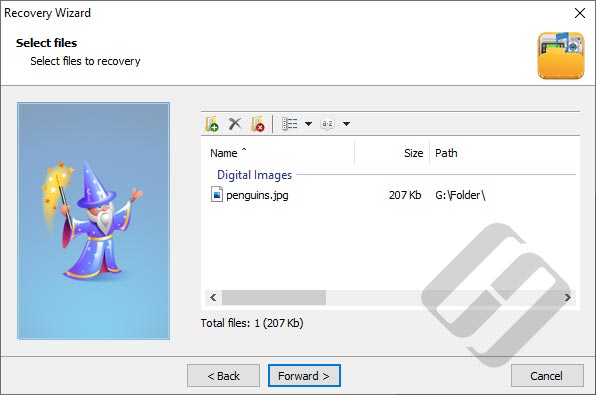
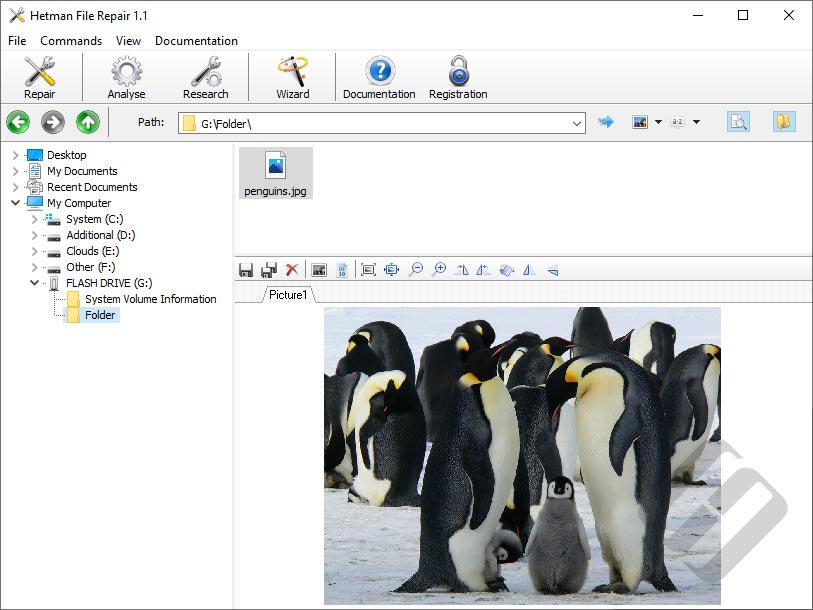
Before saving a repaired file, you can use the built-in preview to check the result. The evaluation version also includes preview functionality, so you can examine whether the file can be repaired before purchasing a license. A built-in HEX editor is available for low-level inspection of corrupted file contents.
The program uses read-only access to the files being analyzed and is designed for Windows. Save repaired copies to a safe destination rather than overwriting the original damaged files. Download and try Hetman File Repair to evaluate the repair result before purchasing a license.
Videos
<iframe width="560" height="315" src="https://www.youtube.com/embed/" frameborder="0" allow="accelerometer; autoplay; encrypted-media; gyroscope; picture-in-picture" allowfullscreen></iframe>
https://www.youtube.com/watch?v=

-
What is Hetman File Repair™ 1.1 used for?
It repairs corrupted files that still exist on the storage device but no longer open or display correctly. It is a file-repair tool rather than a deleted-file recovery utility.
-
Can I preview a damaged file before repairing it with Hetman File Repair™ 1.1?
Yes. If the file can be repaired, the program can show a correct preview before saving the repaired copy, including in the evaluation version. It also includes a low-level HEX editor.